price tracking
ecommerce
How to set a price alert at your target price
Set a price alert that stays quiet until a product hits your number: how to pick a realistic target, write the condition, and know it still works.
· 11 min readRead
Webtingle checks the page in a real browser on your schedule and sends a before-and-after screenshot when something changes. Watch a whole page or one element. No code.
14-day trialNo credit cardCancel anytime
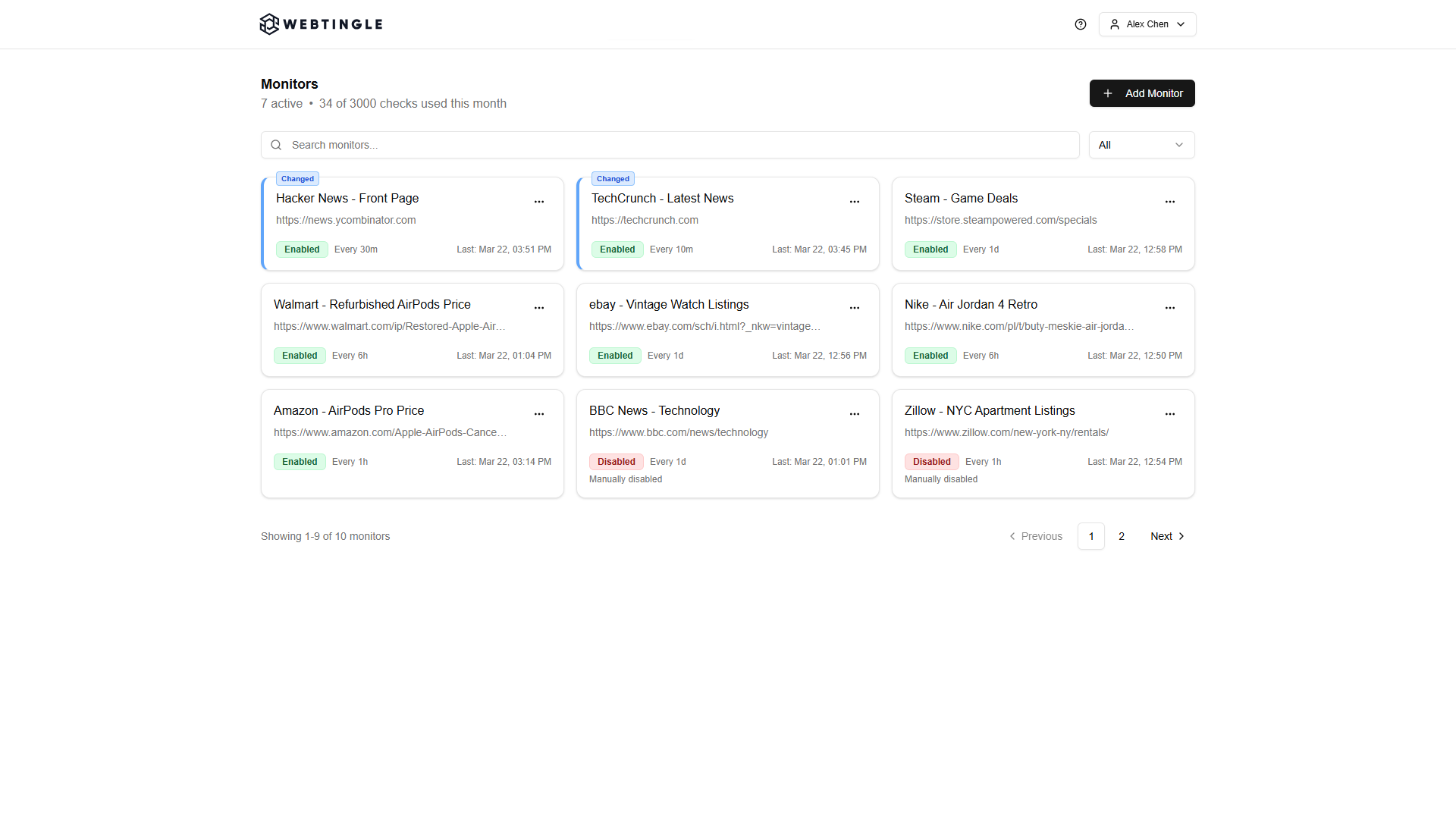
Three steps. No downloads, no browser extension, nothing to install on the site you watch.
Webtingle opens the page in a live preview. Click a price, a stock label or a headline, or leave the whole page selected. Pick how often to check.
Create monitor screen
Every check takes a full screenshot and compares it with the last one. Cookie banners are handled for you, and a page that needs a click first can be recorded once.
Monitor history screen
Every change comes with a plain-English summary of what moved. Drag the slider over the two screenshots when you want to see it for yourself.
Change details screen
Not just that something moved. Where it moved, what it says now, and whether you asked to hear about it.
Click the price or the stock label in the live preview and you are only alerted when that part changes.
Red marks what left the old screenshot, green what arrived in the new one. Real browser screenshots, so JavaScript-rendered pages work too.
Each change gets a plain-language summary, so you know from the alert whether it is worth opening.
Write the condition in plain English, like "notify me when size M 12.5 is available". Each change is judged against it.
Record the clicks once: a store picker, a postal code, a search, a tab. They replay before every check.
Set the interval per monitor, or check on weekdays and business hours only.
Every channel on every plan. Webhooks post JSON to any URL, so Zapier and Make work too.
Whatever you refresh by hand today, a monitor can watch for you.
Watch the product page instead of refreshing it. Get the alert when the thing you want changes, not a daily digest.
Regulatory pages, tender lists, news indexes without a feed. Every change is kept with its screenshot, so you can cite it later.
Price lists, catalogue changes, competitor storefronts. Nothing to install, and invisible to the site you watch.
Every plan has unlimited monitors and every feature. Plans differ in checks per month, how often a page can be checked, how many channels you can connect, and how long history is kept.
Free for 14 days, no card.
Competitor pricing, restock alerts, vendor terms, regulatory pages: how to set each one up and what to expect.
Set a price alert that stays quiet until a product hits your number: how to pick a realistic target, write the condition, and know it still works.
Track changes on a website over time and keep a record you can go back to: what a change history gives you beyond the alert, and five ways to build one.
Vendors change terms, DPAs and subprocessor lists without telling you. The five URLs to watch, and how to track terms of service changes in time to object.